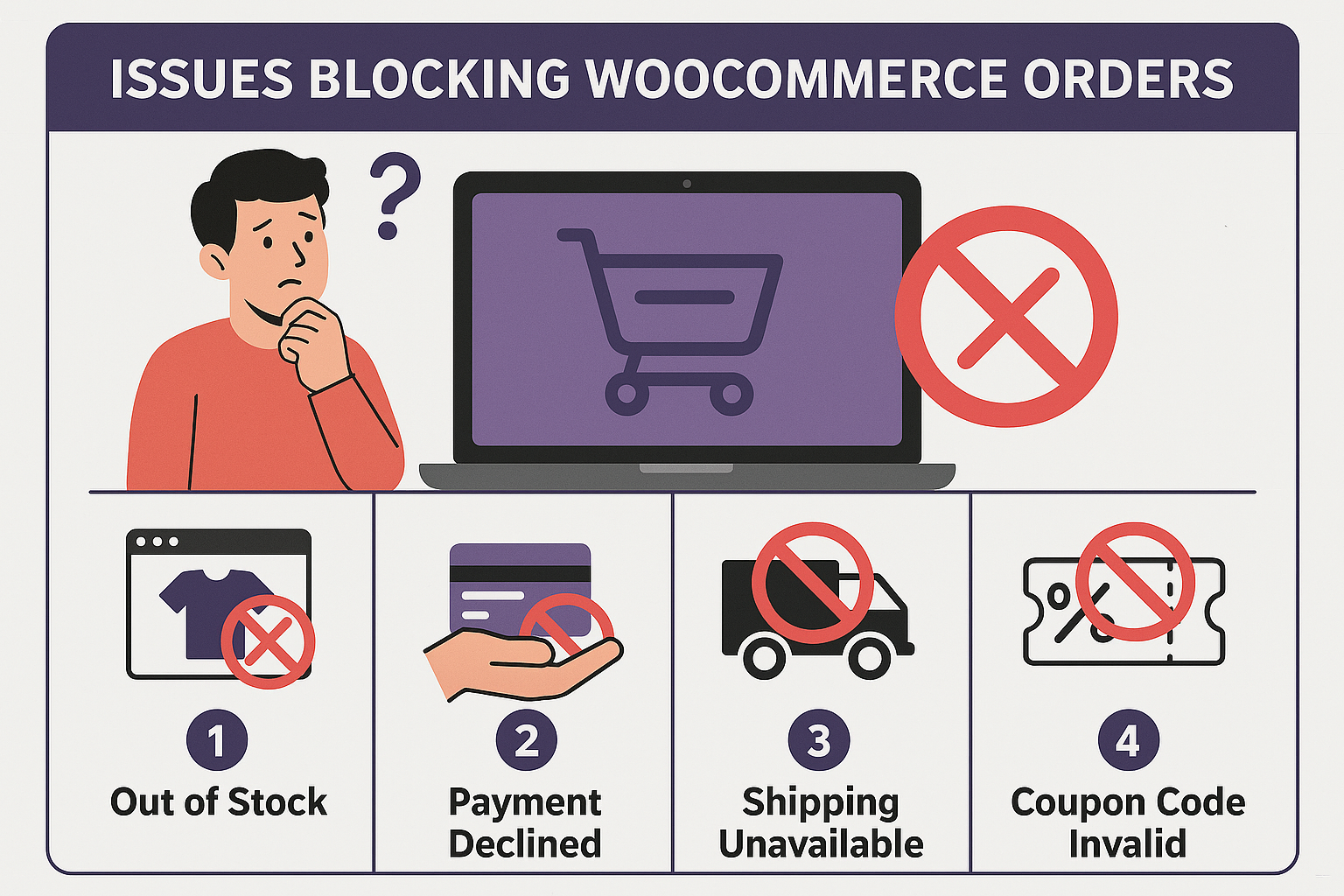
Below is a comprehensive, real-world troubleshooting list of potential reasons a visitor may not be able to complete a purchase on a WooCommerce website, organized by category.
Common Real-World Causes We Frequently See on WooCommerce Websites
Based on our real-world experience supporting WordPress and WooCommerce websites, some issues appear far more often than others. Before assuming the problem is the customer’s credit card, these are some of the first areas worth checking:
Cloudflare Security Rules Blocking Legitimate Customers
Security settings designed to stop bots can sometimes accidentally block real visitors.
Potential causes include:
- Aggressive country blocking
- Firewall rules blocking checkout requests
- Overly strict rate limiting
- Bot Fight Mode false positives
- Security challenges interrupting checkout
A common symptom is when the customer reaches checkout but the order never completes or repeatedly fails without a clear explanation.
Cloudflare Turnstile / CAPTCHA Failures
Anti-spam protection is important, but if misconfigured, it can prevent legitimate purchases.
Common causes:
- CAPTCHA timing out before checkout completion
- Browser conflicts are preventing Turnstile from loading
- Incorrect API keys
- Plugin updates affecting compatibility
- Security plugins are conflicting with CAPTCHA validation
Customers may see vague errors or simply be unable to place the order.
PHP 8.x Compatibility Problems
As hosting environments move to newer versions of PHP, older themes and plugins can break unexpectedly.
Common symptoms:
- Check out page spins endlessly
- “Place Order” button does nothing
- Random checkout failures
- Fatal errors after updates
- Cart or shipping calculations failing
This is especially common on websites running older custom themes or outdated plugins not updated for PHP 8.x compatibility.
SMTP / Website Email Password Changes
Sometimes the order actually completes, but customers believe it failed because they never receive confirmation emails.
Potential causes:
- Email account password changed
- SMTP plugin credentials outdated
- Mail server authentication failure
- Website-generated emails blocked or undelivered
This can create confusion where the order exists in WooCommerce, but the customer thinks payment failed.
Bot Activity & Credit Card Testing Attacks
A very common issue on WooCommerce stores is automated bots attempting to test stolen credit cards.
Typical warning signs:
- Large numbers of failed orders
- Repeated purchases for the same amount
- Multiple attempts in a short time period
- Traffic from unusual countries
- High failed payment activity at checkout
The good news: in many cases, the website is functioning correctly and rejecting fraudulent activity. The goal then becomes reducing the malicious traffic through tools such as:
- Cloudflare country blocking
- Checkout rate limiting
- Turnstile/CAPTCHA protection
- Product URL changes
- Custom firewall rules
- IP blocking
Why These Issues Matter
While there are dozens of technical reasons a WooCommerce purchase may fail, in our experience supporting WordPress and WooCommerce websites, Cloudflare rules, CAPTCHA/Turnstile issues, PHP compatibility, SMTP email failures, and bot/card-testing activity are among the most disproportionately common causes in real client cases.
This makes them excellent first checkpoints before assuming there is a larger website malfunction.
1. Payment Gateway Problems
The payment processor itself may be preventing checkout completion.
Payment Gateway Configuration Errors
- API keys incorrect or expired (Stripe, PayPal, Authorize.net, Square, etc.)
- Gateway accidentally switched to test/sandbox mode
- Merchant account suspended or under review
- Missing webhook setup (especially Stripe)
- Invalid merchant credentials after password/account changes
Credit Card Processing Issues
- Card declined by the issuing bank
- Insufficient funds
- Fraud protection triggered
- AVS (Address Verification System) mismatch
- CVV mismatch
- Expired credit card
- Debit card restrictions
- International card blocked
Payment Authentication Issues
- 3D Secure / Strong Customer Authentication (SCA) failure
- Customer abandons the bank verification pop-up
- Browser blocks the payment authentication window
PayPal-Specific Problems
- The customer is not logged into PayPal
- PayPal account limitation
- Country/currency restrictions
- Browser pop-up blocker interfering with PayPal redirect
2. WooCommerce Checkout Errors
Problems within WooCommerce itself.
Checkout Form Errors
- Required fields not completed
- Hidden validation errors
- JavaScript validation failure
- Shipping fields not validating correctly
- ZIP/postal code formatting issue
- Phone/email field validation problems
Checkout Page Problems
- Broken checkout shortcode/block
- Corrupted checkout page
- Missing WooCommerce pages
- The checkout page was accidentally edited improperly
Cart Problems
- Product out of stock during checkout
- Inventory synchronization failure
- Quantity restrictions exceeded
- Minimum order amount not met
- Coupon invalid or expired
3. Browser & Device Issues
Customer-side technical problems.
Browser Compatibility
- Outdated browser
- Browser extension conflict
- Ad blockers interfering
- Security/privacy plugins blocking scripts
- JavaScript disabled
Cache & Cookies
- Browser cache issue
- Corrupt cookies
- Cookies blocked
- Third-party cookies disabled
Mobile Device Problems
- Mobile checkout layout broken
- Apple Pay/Google Pay failure
- Autofill conflicts
- Keyboard hides important fields
Network Issues
- Weak internet connection
- VPN interference
- The corporate firewall is blocking the payment system
- Public Wi-Fi restrictions
4. Theme or Plugin Conflicts
Very common on WordPress/WooCommerce sites.
Plugin Conflicts
- Recently updated plugin conflict
- Security plugin blocking checkout requests
- Caching plugin interfering
- Optimization plugin delaying scripts
- CAPTCHA plugin conflict
- Shipping plugin malfunction
- Tax plugin failure
Theme Issues
- Theme not WooCommerce compatible
- Outdated theme code
- PHP incompatibility
- Custom checkout modifications broken
JavaScript Errors
- JS conflicts from page builders
- Broken jQuery scripts
- Minification/optimization breaking checkout scripts
5. Server & Hosting Issues
Infrastructure problems.
PHP Problems
- Outdated PHP version
- PHP fatal errors
- PHP memory exhaustion
- Max execution time exceeded
- Deprecated code on PHP 8.x
Server Resource Issues
- CPU overload
- RAM exhaustion
- High traffic/server load
- Disk space full
- Bandwidth exceeded
SSL / HTTPS Issues
- SSL certificate expired
- Mixed content warnings
- The checkout page is not fully secure
- HTTPS redirect loop
DNS/Hosting Issues
- DNS propagation problems
- CDN issue (e.g., Cloudflare)
- The server firewall is blocking gateway requests
6. Cloudflare / Security Blocking
Very common with bot mitigation systems.
Cloudflare Security Rules
- Country blocking and preventing customer access
- Bot Fight Mode false positive
- Firewall rule blocking checkout POST requests
- Rate limiting is too aggressive
- Managed challenge interfering
CAPTCHA Problems
- reCAPTCHA timeout
- CAPTCHA not loading
- CAPTCHA blocked by browser
- reCAPTCHA key mismatch
- Invisible CAPTCHA failure
Security Plugins
- Wordfence blocking customers
- Malware firewall false positives
- Geo-blocking restrictions
7. Shipping Configuration Errors
A major source of abandoned checkouts.
Shipping Zone Problems
- No shipping method available
- Customer location unsupported
- Incorrect shipping zones
- Shipping plugin API failure
Address Problems
- Invalid address format
- Unsupported PO box
- State/province mismatch
- International address restrictions
Shipping Cost Errors
- Shipping not calculating
- Live carrier quote timeout (UPS, USPS, FedEx)
- Weight/dimension issues
8. Tax Configuration Problems
- Tax plugin conflict
- Invalid tax jurisdiction
- Tax calculation timeout
- VAT number validation failure
9. Email & Order Processing Problems
Sometimes the order completes, but it looks like it failed.
SMTP/Email Failures
- Confirmation email never arrives
- SMTP credentials outdated
- Mail server blocked
“Failed” Order Misinterpretation
- Order succeeded, but payment is pending
- Payment authorized but not captured
- Customer closed the page too early
10. Fraud Prevention / Anti-Bot Systems
Especially common among stores experiencing card-testing attacks.
Fraud Filters
- Legit customer flagged as fraud
- Velocity rules blocking repeat attempts
- IP reputation block
- High-risk country block
- Device fingerprint mismatch
Card Testing Countermeasures
- Checkout URL changed
- Login requirement preventing guest checkout
- Temporary IP blocks
- Checkout rate limiting
- Payment threshold rules
11. User Experience (UX) Problems
The website technically works, but customers get confused.
Checkout Confusion
- Forced account creation is unclear
- Login requirement unclear
- Coupon field confusion
- Hidden shipping costs
- Poor mobile usability
- Unexpected fees
- The checkout button hard to see
Error Messaging
- Generic “Something went wrong” message
- Error shown at the top of the page unnoticed
- No explanation of failure
12. Geographic & Currency Restrictions
- Store only ships to certain countries
- The payment gateway is unsupported in customer’s country
- Currency unsupported
- State restrictions (certain products)
13. Third-Party API Failures
External services can fail temporarily.
- Stripe outage
- PayPal outage
- Shipping carrier API outage
- TaxJar/Avalara outage
- Google reCAPTCHA outage
- SMTP provider outage
14. Common WooCommerce Symptoms & Likely Causes
Symptom |
Likely Cause |
|---|---|
Spinner never stops |
JS conflict, payment gateway issue |
“Place Order” does nothing |
JavaScript error |
Payment declines repeatedly |
Bank/fraud filter |
Check out reloads without an order |
Session/cookie problem |
Error at final checkout step |
reCAPTCHA, payment authentication |
Orders marked Failed |
Payment gateway timeout |
Checkout suddenly broke after the update |
Plugin/theme conflict |
Only some users are affected |
Browser, device, geo-blocking |
Foreign failed orders |
Card testing bot attack |
Works on desktop but not mobile |
Responsive/theme issue |
Best Practice Diagnostic Process
When troubleshooting a WooCommerce checkout issue, test in this order:
- Make a real test purchase.
- Check WooCommerce → Status → Logs.
- Check payment gateway logs (Stripe/PayPal).
- Test in Incognito Mode.
- Disable caching/security optimizations temporarily.
- Check the browser console for JavaScript errors.
- Verify PHP version compatibility.
- Test with the default WooCommerce theme.
- Review Cloudflare firewall and rate-limiting logs.
- Review failed order patterns (same amount, same country, same IP = likely bot activity).